Quick Answer
To switch EPOS provider: 1) Check your contract exit date, 2) Export your product data, 3) Choose your new system, 4) Set up and test before go-live, 5) Train staff, 6) Switch on a quiet day. EPOS Direct handles the migration for you at no extra cost.
Step 1: Check your current contract
Before switching, check your EPOS contract for exit clauses. Most subscription EPOS providers lock you in for 12–24 months with early exit fees of £200–£500. Time your switch to coincide with contract renewal to avoid penalties.
Step 2: Export your data
Ask your current provider to export your product catalogue, customer database, and historical sales data in CSV format. You're entitled to your own data under UK data protection law. Keep a local backup.
- ✓Product catalogue with prices, categories, and barcodes
- ✓Customer database with contact details and purchase history
- ✓Supplier list and stock levels
- ✓Historical sales data (at least 12 months)
Step 3: Choose your new EPOS
EPOS Direct can import your product catalogue directly from a CSV export. The setup team handles the migration as part of your onboarding — no data entry needed. Choose between the £549 one-time bundle (hardware included) or buy outright from £399.
Step 4: Run both systems in parallel briefly
Set up your new EPOS and test it thoroughly before switching over. For a week, run both in parallel if possible — so you catch any product gaps or pricing errors before they affect customers.
Step 5: Switch on a quiet day
Choose your lowest-traffic day (often a Monday morning) to go fully live on the new system. Have the EPOS Direct support team available on the phone — 08000 336 888 — for any questions during the transition.
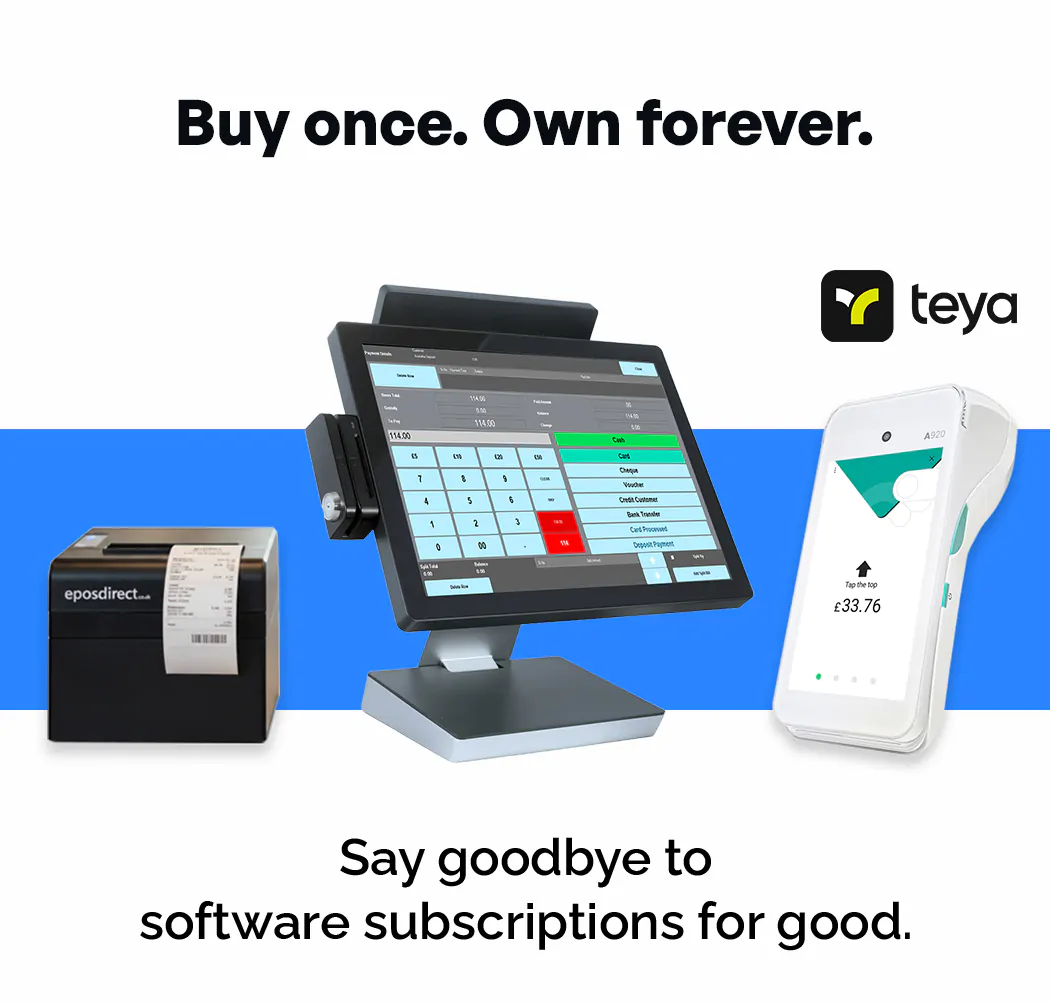
Complete EPOS + Teya Card Terminal
£549 + VAT
One-time — or own outright from £399 — no monthly software fees ever
- ✓ Hardware + software included
- ✓ Teya card terminal (1% rate)
- ✓ No monthly software fees
- ✓ No long-term contracts
- ✓ Works offline
- ✓ UK-based support team
Frequently Asked Questions
How long does it take to switch EPOS systems?
Most EPOS Direct switchovers take 1–3 days from delivery to going live. Setup involves installing the hardware, importing your product catalogue, and training key staff — all supported by EPOS Direct's UK team.
Will I lose my product data when switching EPOS?
No. EPOS Direct imports your product catalogue from your old system's CSV export. Products, prices, categories, and barcodes all transfer automatically. Historical sales from your old system stay in your old platform's reports.
What happens to my old EPOS system when I switch?
You return any leased hardware to your old provider, or keep owned hardware. Your old system's data remains accessible for at least 12 months on most providers for reporting purposes. Your new EPOS Direct system starts fresh from go-live.
Can I switch EPOS in the middle of the week?
You can, but it's not recommended. Choose a Monday morning or first day after a holiday when you can troubleshoot without losing peak trade. EPOS Direct's support team is available throughout the switchover.